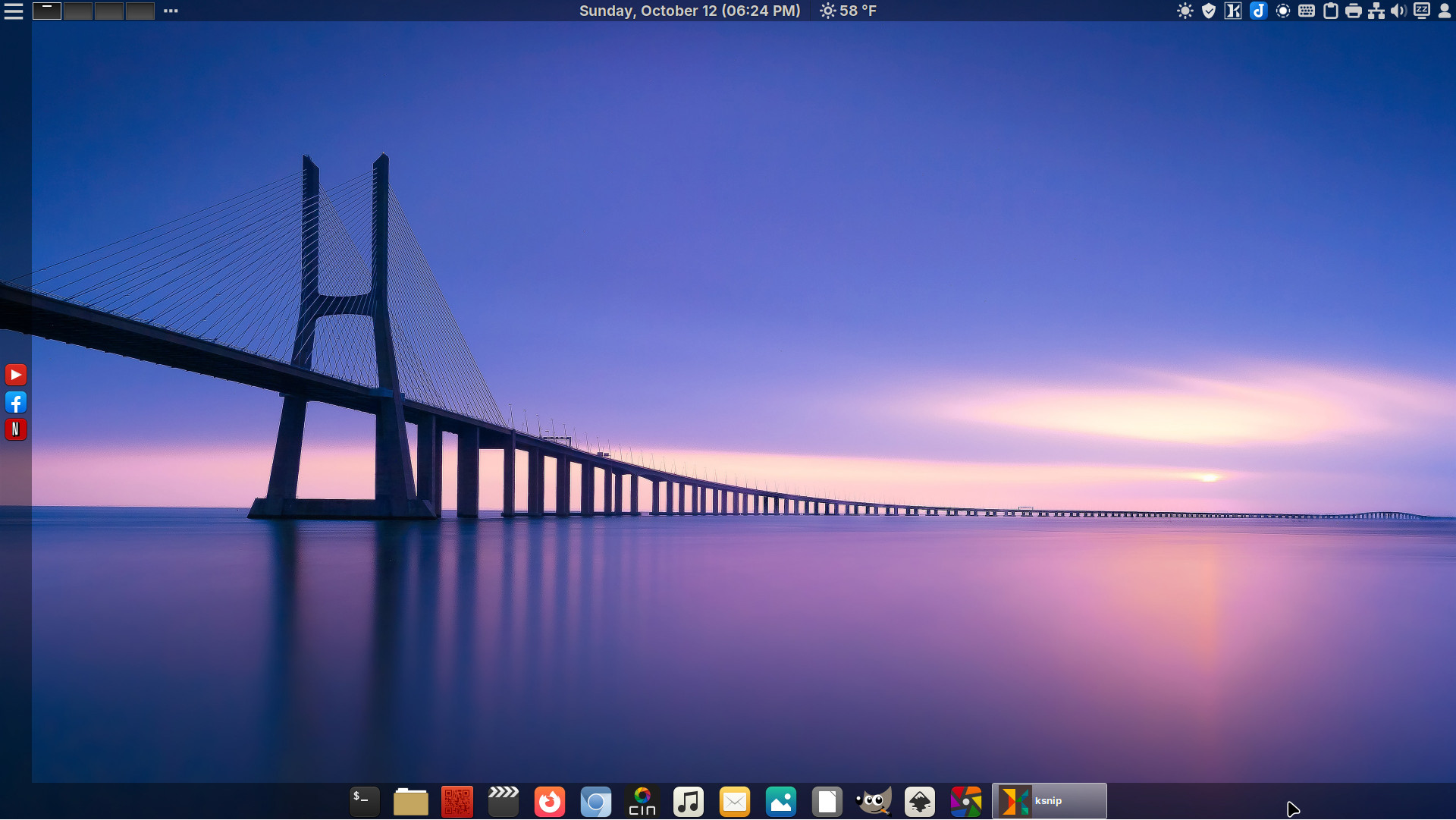
Download 251127

Xlibre on DeLinuxCo
DeLinuxCo Workstation
ISO Download 251127

DeLinuxCo Workstation 25.0.10-251127 (8.1GB)

SHA256SUM: 3001283490a9d9bce867791c10df15886df3ab5a5d6bba1f76281dff444e63de

16G or > , USB drive required

During install, the installer defaults to btrfs file system, it is recommended that you use EXT4 in order for BackInTime to work properly.

This is a FOSS project. It relies and builds on the work of a great many others. It is covered under various GPL licenses, though some parts of it may be under other free software licenses. Absolutely no warranty is implied or expressed. This includes but is not limited to fitness of use or data, use at own risk.

Before downloading, view “Read more”.

Read More

Install Linux on intel iMac, MacBook or MacBook Pro

Do you have an intel iMac or MacBook that Apple no longer supports? Well breath new life into it by installing Linux!
You can try it out using live USB to see what works and what does not. As an example, we recently installed DeLinuxCo on a 2011 iMac and it works great! The only item that we did not test was the IR remote.

You may need to install a fan control application called mbpfan-git from the AUR in order to silence the fans of the iMac or Laptop.

Download the ISO HERE
Boot to the USB drive, usually holding the “Option” key at boot should allow you to boot from the USB drive.
If needed, upon installing DeLinuxCo, from a terminal run “yay mbpfan-git” and install the package. mbpfan setup…