Archives 2025

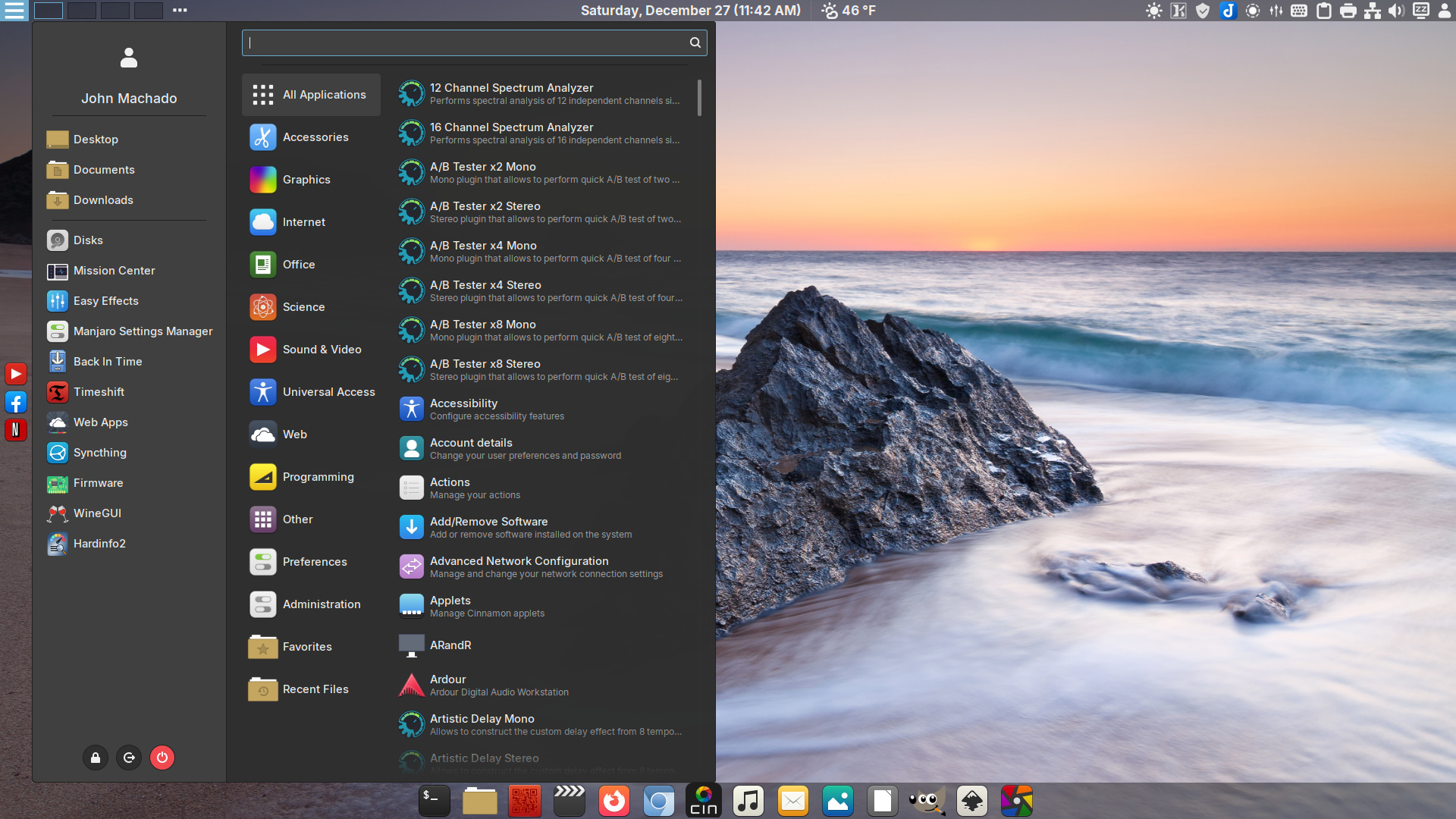
DeLinuxCo Desktop

Download 251226

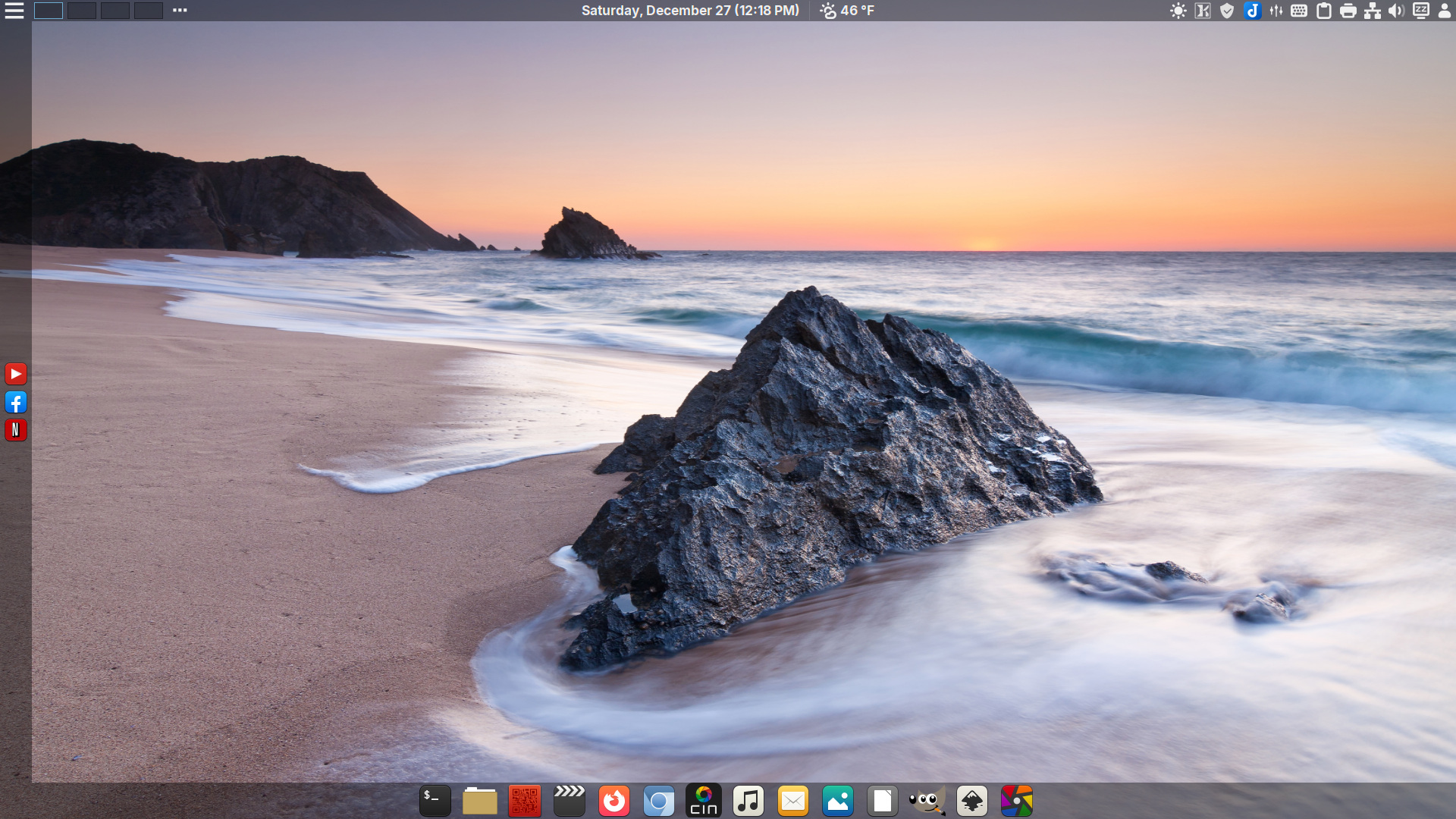
DeLinuxCo Workstation – 2026 background by: Michael Breitung – https://www.mibreit-photo.com
ISO Download 251226

DeLinuxCo Workstation 25.1.0-251226 (8.1GB)

SHA256SUM: 54a7fae0583bcb7141f432a7dcd8ec9b8e9103f91c4788f9cdb2183487c636af delinuxco-workstation-25.1.0-251226-x86_64-1

16G or > , USB drive required

During install, the installer defaults to btrfs file system, it is recommended that you use EXT4 in order for BackInTime to work properly.

This is a FOSS project. It relies and builds on the work of a great many others. It is covered under various GPL licenses, though some parts of it may be under other free software licenses. Absolutely no warranty is implied or expressed. This includes but is not limited to fitness of use or data, use at own risk.

Before downloading, view “Read more”.

Read More

Appimage will not launch, missing “libicuuc.so.76”

AppImages, specifically LibreOffice.AppImage will not launch do to missing shared library.

To verify, open terminal and type:

./opt/appimages/LibreOffice.AppImage

if the app will not launch and the error “missing libicuuc.so.76” is displayed, you will need to install the library from the AUR.

From the terminal, run:

yay icu76

No need to restart system, AppIMages should work now.

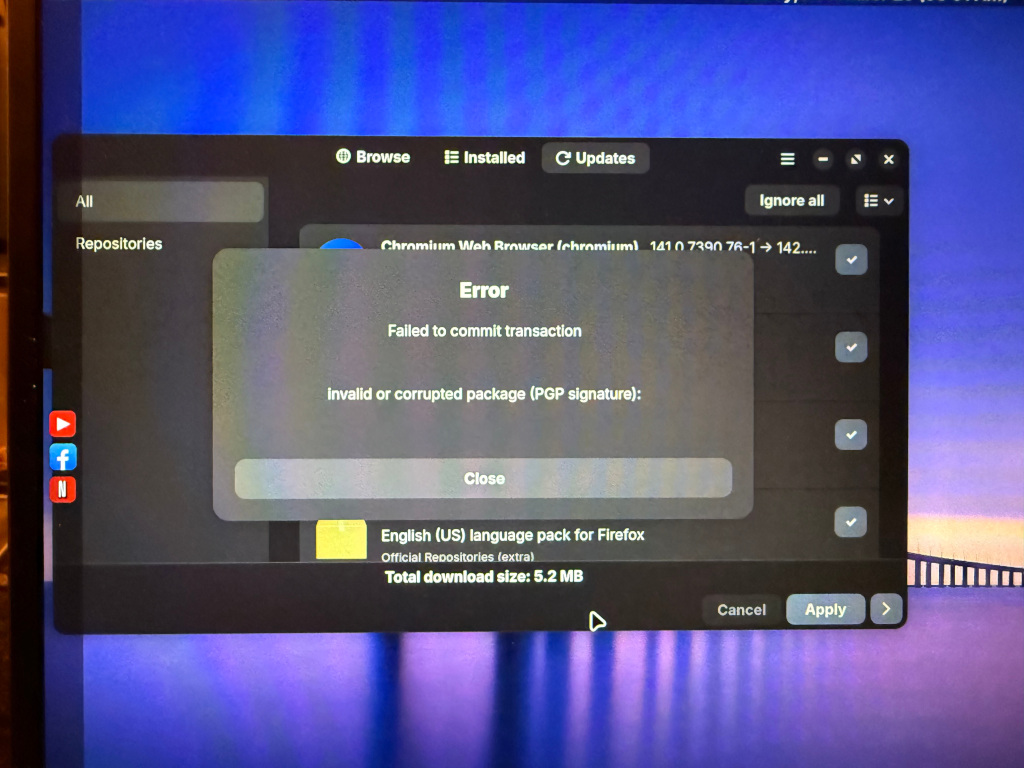
Xlibre “invalid or corrupt packages”

Xlibre recently moved their package repo from Github to their own server and this will generate an error when trying to run updates.

The repo URL must be changed to the new one.

Open a terminal to edit the pacman.conf file:

sudo nano /etc/pacman.conf

Scroll to the bottom and change the Xlibre repo info
from:
[xlibre]
Server = https://github.com/X11Libre/binpkg-arch-based/raw/refs/heads/main/
#List of available packages: https://github.com/artist4xlibre/packages-arch-based

To:
[xlibre]
Server = https://x11libre.net/repo/arch_based/x86_64/
#List of available packages: https://github.com/X11Libre/pkgbuilds-arch-based

Next, import the new key by opening a terminal and paste the following as one line:
curl -sS https://x11libre.net/repo/arch_based/x86_64/0x73580DE2EDDFA6D6.gpg | gpg --import -
sudo pacman-key --lsign-key 73580DE2EDDFA6D6

Now run updates from the terminal with the command:
sudo pacman -Syu

You Will be prompted to replace various files, just say yes to all and to importing the new key.