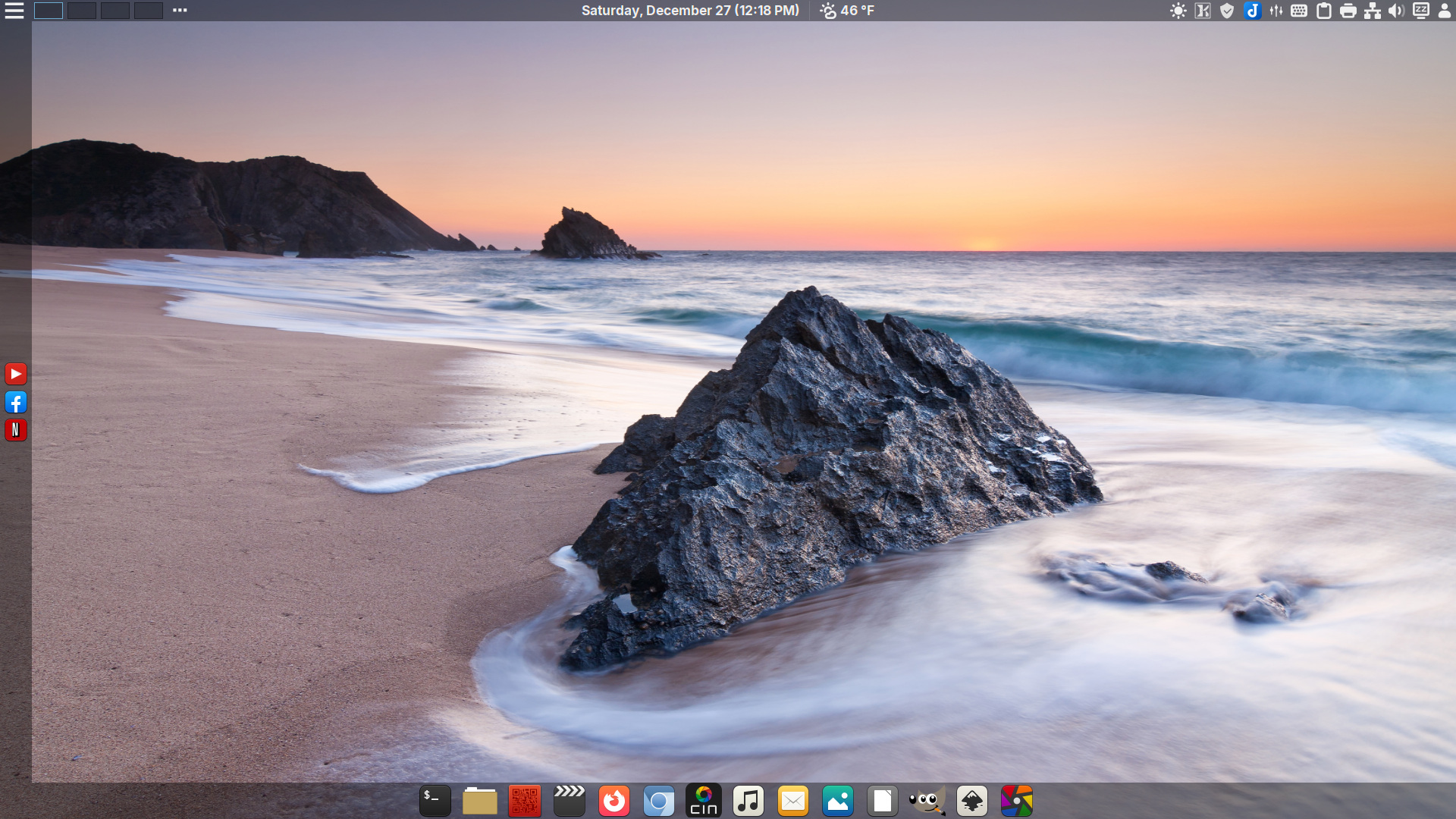
Download 251226
Latest ISO

DeLinuxCo Workstation 25.1.0-251226 (8.1GB)
SHA256SUM: 54a7fae0583bcb7141f432a7dcd8ec9b8e9103f91c4788f9cdb2183487c636af delinuxco-workstation-25.1.0-251226-x86_64-1
16G or > , USB drive required
During install, the installer defaults to btrfs file system, it is recommended that you use EXT4 in order for BackInTime to work properly.
This is a FOSS project. It relies and builds on the work of a great many others. It is covered under various GPL licenses, though some parts of it may be under other free software licenses. Absolutely no warranty is implied or expressed. This includes but is not limited to fitness of use or data, use at own risk.
Before downloading, view “Read more”.
Download the latest ISO image.
(8.1 GB ISO)
25.1.0-251226 Change log…
- Cinnamon 6.6.2
- Kernel 6.18
- Support for USB4 in Control Center
- New Fingerprint Gui
- Xlibre repo updated
- External Monitor brightness control


- The following apps are now in AppImage*
GIMP 3.1
Libreoffice-fresh-full
CinelerraGG
Inkscape
Darktable
Joplin
localsend
Kdenlive
*Moving forward DeLinuxCo will be concentrating on making more default applications packaged as AppImages.
Featured: Mission-Center is now the default System Monitor
https://missioncenter.io/


Default application defaults are not transferring from ISO to installation correctly, you should manually change them to your liking or use these defaults: Go to System Settings > Preferred Applications

Please note, the ISO is designed for testing on real hardware, using VirtualBox you may have issues! It is recommended to use Virtual Machine Manager for VM testing of DeLinuxCo. Tutorial can be found here. If you are already running DeLinuxCo 22.1.2 or higher, you can run install-virt-manager to completely install and configure Virt-Manager.
HELPER SCRIPTS
DeLinuxCo comes with a couple of simple scripts to make installing certain applications easier.
the first is to enable syncthing as a service for the user so that even even if the user is not logged in, the sync session for the default user will still function, do not use the sudo with this command, if it needs permissions, it will ask for them.
syncthing is enabled by default as of this release.To disable syncthing, run:
disable-syncthingIf you wish to run virtual machines, to auto install Virt-Manager, run:
install-virt-manager

updated 20251229
Leave a Reply