Welcome!
After a successful installation,
here are some items to check and/or perform.
Language
First, from the 3 line menu sometimes referred to as the “hamburger menu” on the top left of the screen, go to Manjaro Settings Manager > Language Packages
Click the “Install Packages” button to install missing language packages.
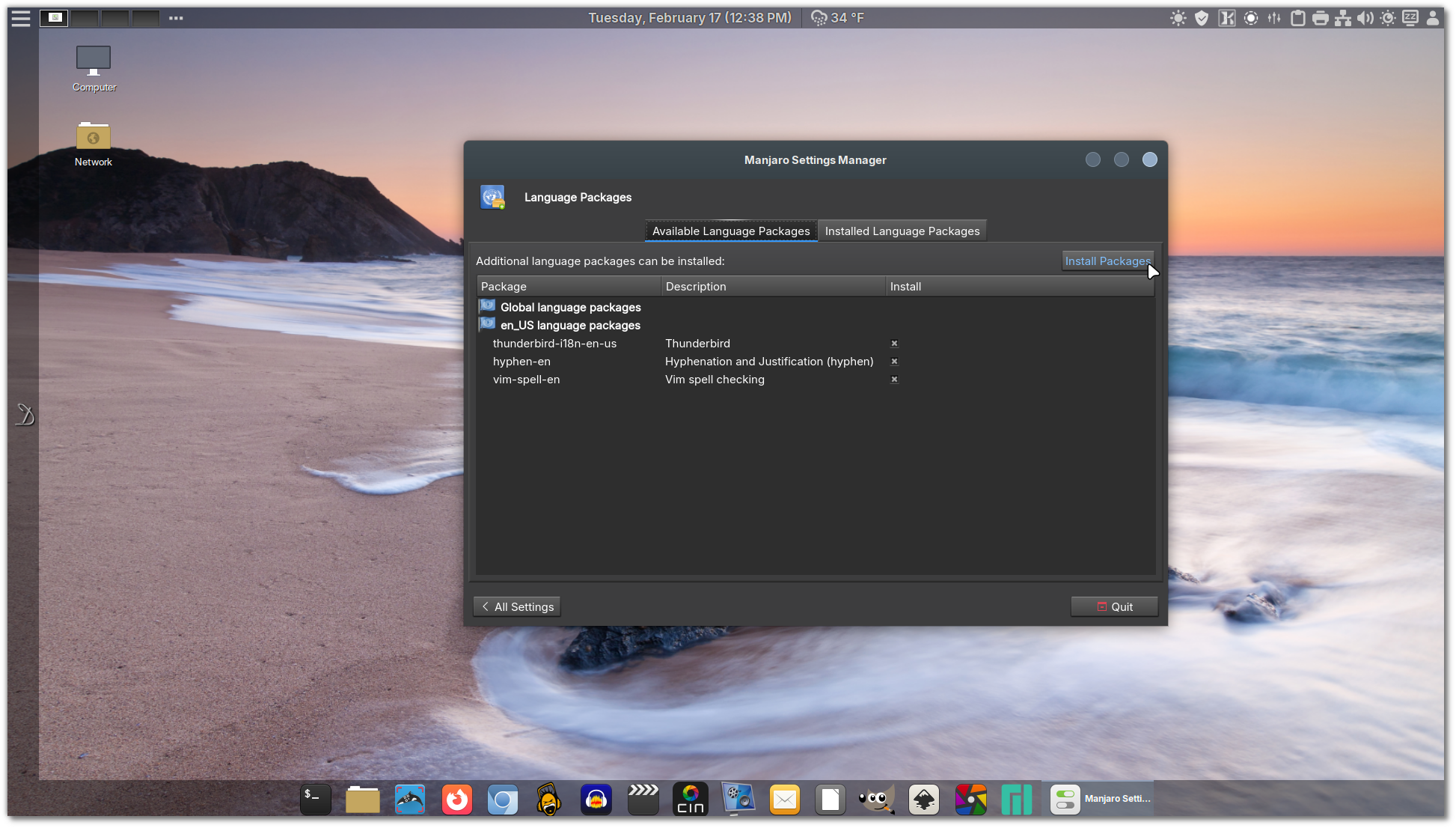
Using the Add/Remove Packages (Pamac) , install any additional language spell checker.

Install your Language spell checker, for example, for English you will need at least:
- aspell-en
- hunspell_en_us
- hyphen-en
For other languages such as Portuguese from Portugal, install:
- apsell-pt
- hunspell-pt_pt
etc, Firefox should install it’s own language packs.
Update error – Invalid or corrupt package
Should you get an error “invalid or corrupt packages” when updating Xlibre packages, for some reason the PGP signature file did not get updated. here is how to fix the issue.
Open a terminal and run this command:
sudo pacman -Sy artix-keyring && sudo pacman -Su
If for some reason the above does not work, first open the terminal and paste these two commands one at a time and each should be on one line;
curl -sS https://x11libre.net/repo/arch_based/x86_64/0x73580DE2EDDFA6D6.gpg | gpg --importThen
sudo pacman-key --lsign-key 73580DE2EDDFA6D6
Then just through the updates as normal.
Discs
Adjust HDD and SSD settings for better performance and durability.
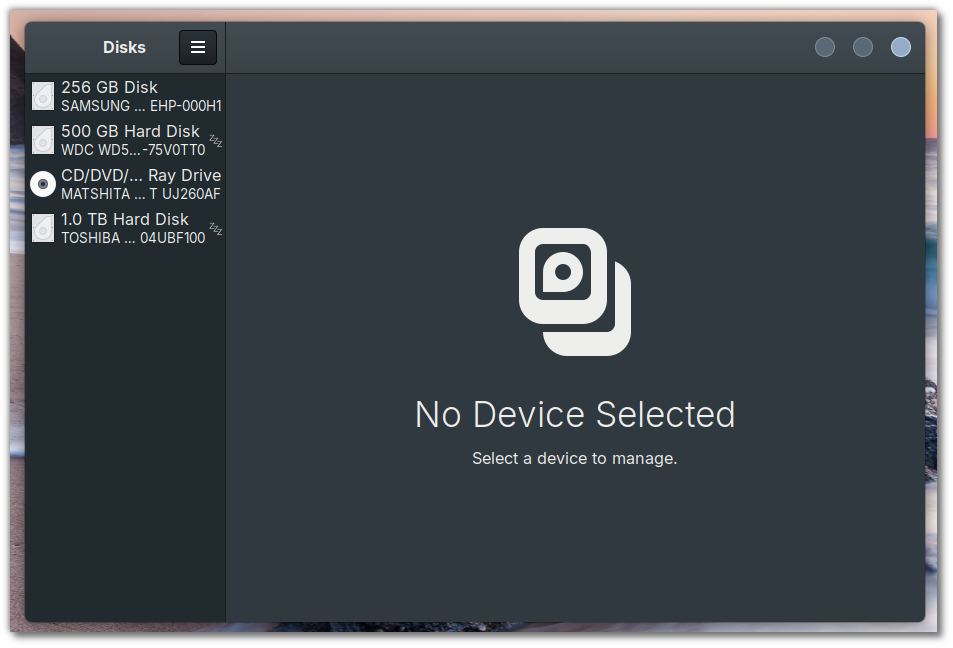
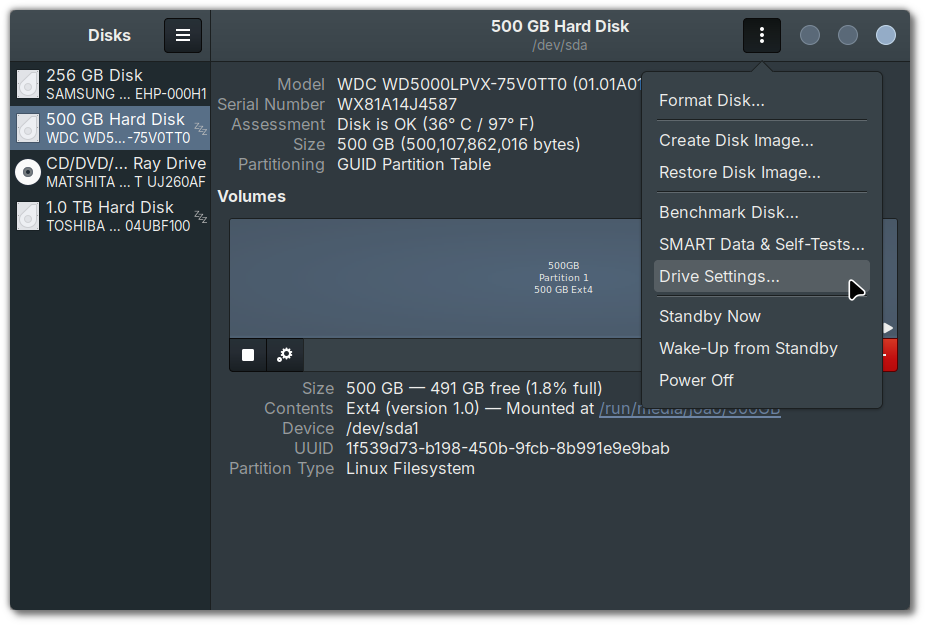
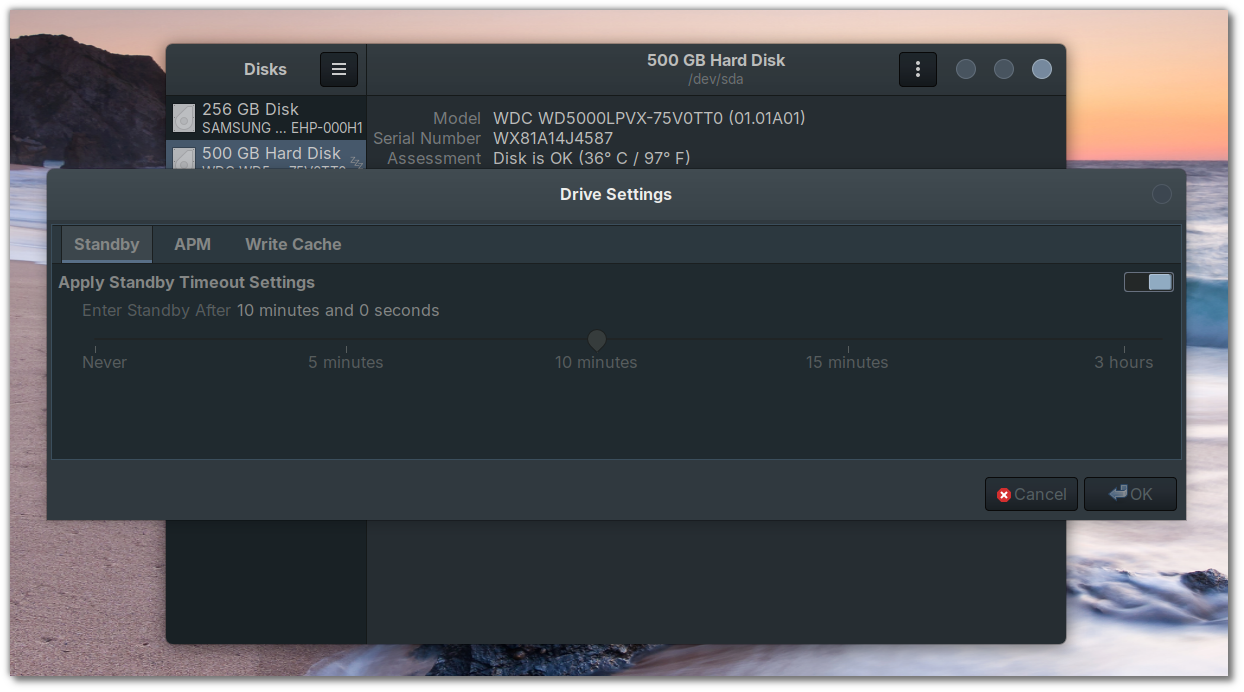
From the left pane, select your disk. Then from the top right 3 dot menu, select settings. This will give you a popup of the settings available for that drive/disc. If you have a spinning drive, either internal or external, you can set the spin down time, so that the drive is not spinning constantly for no reason. What ever settings are available for that drive, they should show here. Note, NVME drives, will have no settings.
Backup, Backup, Backup
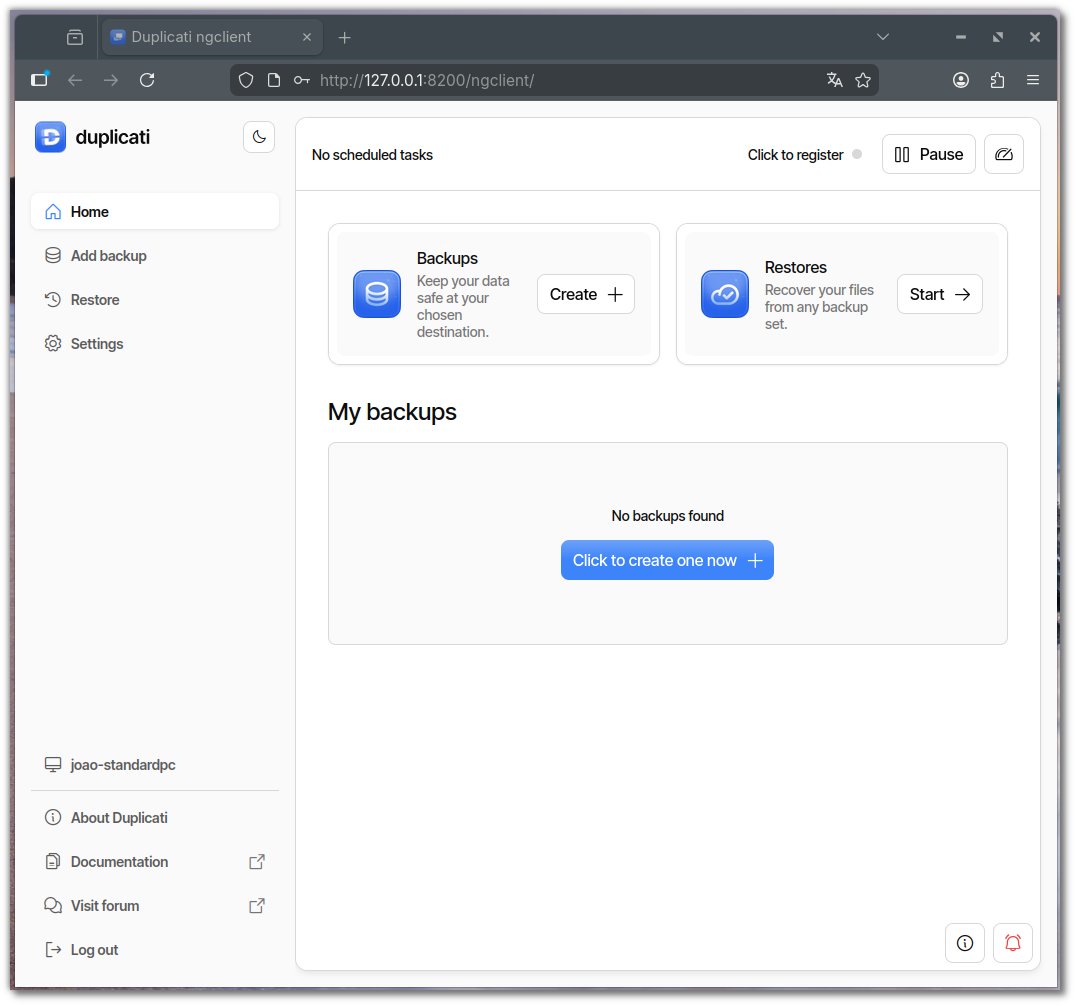
BackInTime has been replaced with Duplicati, the cross platform backup solution for local and cloud backups. The application runs a service in the background and a web UI for the front end.
Start Duplicati and it should ask you to “Change Passphrase”, do it and you are done.
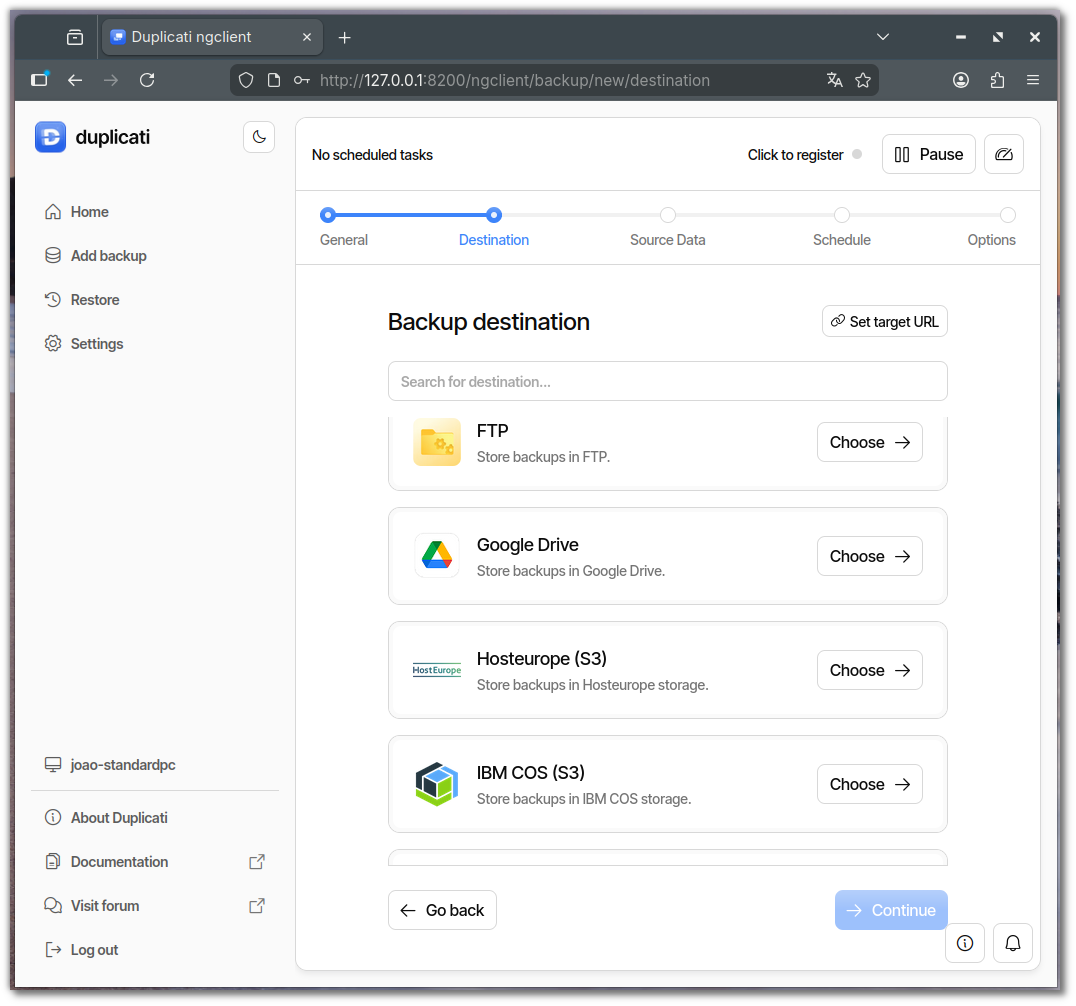
You can now back up fully encrypted backs to your local drives, network shares or cloud such as S3, Digital Ocean Spaces, SSH, FTP etc.
Note: To have the app automatically start, got to System Settings > Startup Applications click the + sign and search for duplicati, his will start duplicati at every login.